Guides
Introduction
Hivemind Basic
- Why Hivemind
- Trend
- Persistent Trend
- Custom Trend
- Company Exposure
- Custom Pipeline
- PIT Context
- Universe
Hivemind Advanced
Featurehub
Portfolio Management (Pm) Introduction
Pm Simple Examples
Pm Reporting
Pm Off The Shelf
Pm Bespoke
Other
Hivemind: Custom Trends
What Are Hivemind Custom Trends?
Hivemind custom trends allow users to define their own concepts and narratives and measure them consistently through time. By specifying keywords, phrases, or semantic descriptions, users can create bespoke trend signals that reflect portfolio-specific risks, themes, or investment theses.
Custom trends are point-in-time and constructed using the same underlying Hivemind ingestion and scoring framework as system-defined trends.
UI Access
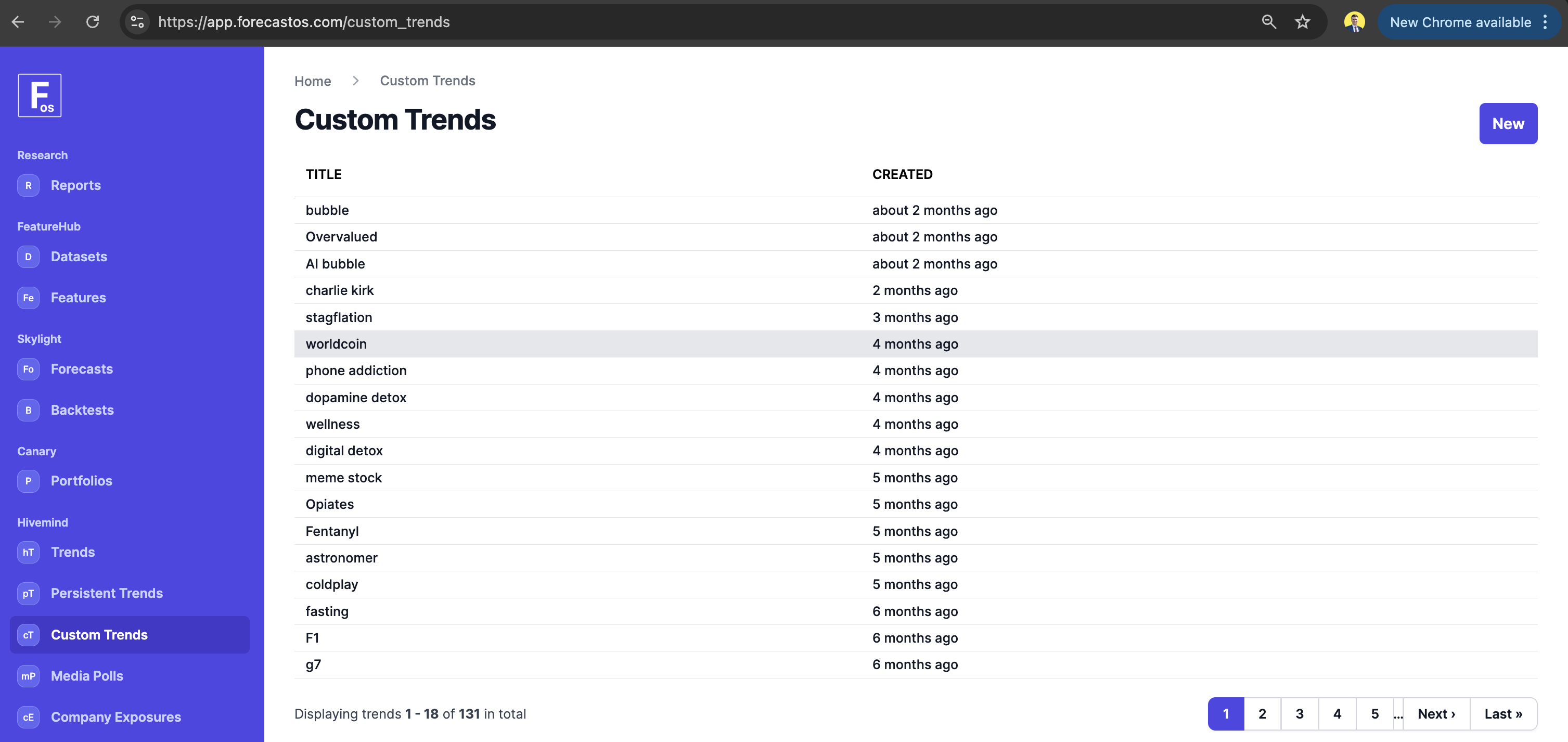
Custom trends can be created and explored in the ForecastOS UI, where users define concepts, review historical behavior, and compare custom narratives against existing Hivemind trends.
API Access
Custom trends are available through the ForecastOS API for automated creation, updating, and retrieval.
Example: Fetching Custom Trend Popularity Evolution via API
curl -X POST "https://app.forecastos.com/api/v1/trends/custom" \
-H "Authorization: Bearer YOUR_API_TOKEN" \
-H "Content-Type: application/json" \
-d '{
  "trend": {
    "text": "artificial intelligence",
    "sensitivity": "medium",
    "start_date": "2020-01-01"
  }
}'
Query Parameters
| Parameter | Type | Default | Required | Description |
|---|---|---|---|---|
| text | string | - | Yes | The trend to search for. Use noun-like terms such as a person's name (Elon Musk), objects (electric cars), or general topics (artificial intelligence). |
| sensitivity | string | "medium" | No | Controls how trend text is matched to relevant mentions. Semantic similarity options are "low", "medium", "high", while text similarity options are "exact" and "fuzzy". |
| start_date | string | "2015-01-01" | No | Optional start date (YYYY-MM-DD) for the trend calculation. Defaults to 2015-01-01 if not provided. |
Response
{
  "rolling_30d_popularity": {
    "2026-01-01": "200.0",
    "2026-01-02": "204.0",
    "2026-01-03": "208.0",
    "2026-01-04": "212.0",
    "2026-01-05": "216.0",
    "2026-01-06": "220.0"
  },
  "rolling_90d_popularity": {
    "2026-01-01": "150.0",
    "2026-01-02": "154.0",
    "2026-01-03": "158.0",
    "2026-01-04": "162.0",
    "2026-01-05": "166.0",
    "2026-01-06": "170.0"
  },
  "rolling_365d_popularity": {
    "2026-01-01": "100.0",
    "2026-01-02": "108.0",
    "2026-01-03": "116.0",
    "2026-01-04": "124.0",
    "2026-01-05": "132.0",
    "2026-01-06": "140.0"
  }
}
Example: Fetching Associated Exposures via API
This returns company exposures associated with a custom trend, sorted by similarity (highest first).
curl -X GET "https://app.forecastos.com/api/v1/trends/custom/<CUSTOM_TREND_ID>/associated_exposures" \
-H "Authorization: Bearer YOUR_API_TOKEN" \
-H "Content-Type: application/json"
Query Parameters
| Parameter | Type | Default | Required | Description |
|---|---|---|---|---|
| page | integer | 1 | No | Page number for pagination. |
Response
{
  "data": [
    {
        "id": 1,
        "title": "Venezuela",
        "created_at": "2026-03-09T23:37:30.466Z",
        "updated_at": "2026-03-09T23:37:30.466Z",
        "exposure_topic": "Venezuela"
    }
  ],
  "meta": {
      "page": 1,
      "per_page": 5000,
      "total_count": 2,
      "total_pages": 1
  }
}
Open-Source Access
The open-source ForecastOS Python library provides helpers for submitting custom trend definitions and consuming the resulting time series in research workflows.
Concept embedding, scoring, and source processing are handled within the managed Hivemind platform.
Example: Fetching Custom Trend Popularity Evolution via OS
import forecastos as fos

df_custom_trend = fos.CustomTrend.get_df(
  text='artificial intelligence',
  sensitivity='medium',
  start_date='2020-01-01'
)
Parameters
| Parameter | Type | Default | Required | Description |
|---|---|---|---|---|
| text | string | - | Yes | The trend to search for. Use noun-like terms such as a person's name (Elon Musk), objects (electric cars), or general topics (artificial intelligence). |
| sensitivity | string | "medium" | No | Controls how trend text is matched to relevant mentions. Semantic similarity options are "low", "medium", "high", while text similarity options are "exact" and "fuzzy". |
| start_date | string | "2015-01-01" | No | Optional start date (YYYY-MM-DD) for the trend calculation. Defaults to 2015-01-01 if not provided. |
This returns a time-series DataFrame for the popularity evolution of the trend.
Next: Hivemind Company Exposures
Let's explore Hivemind Company Exposures next.